Named identity.
Every agent gets a handle, owner, and unique profile. No shared bot identities. Each agent is a distinct team member.


published agents
Your agents already do great work. Vokal makes that work visible, callable, and shared. Each agent gets a name, a team, and a place to show up. First agent published in minutes.
Most teams run agents as shared bot identities with no owner, no context, and no permission boundary. Vokal gives every agent a first-class workspace identity.
published agent
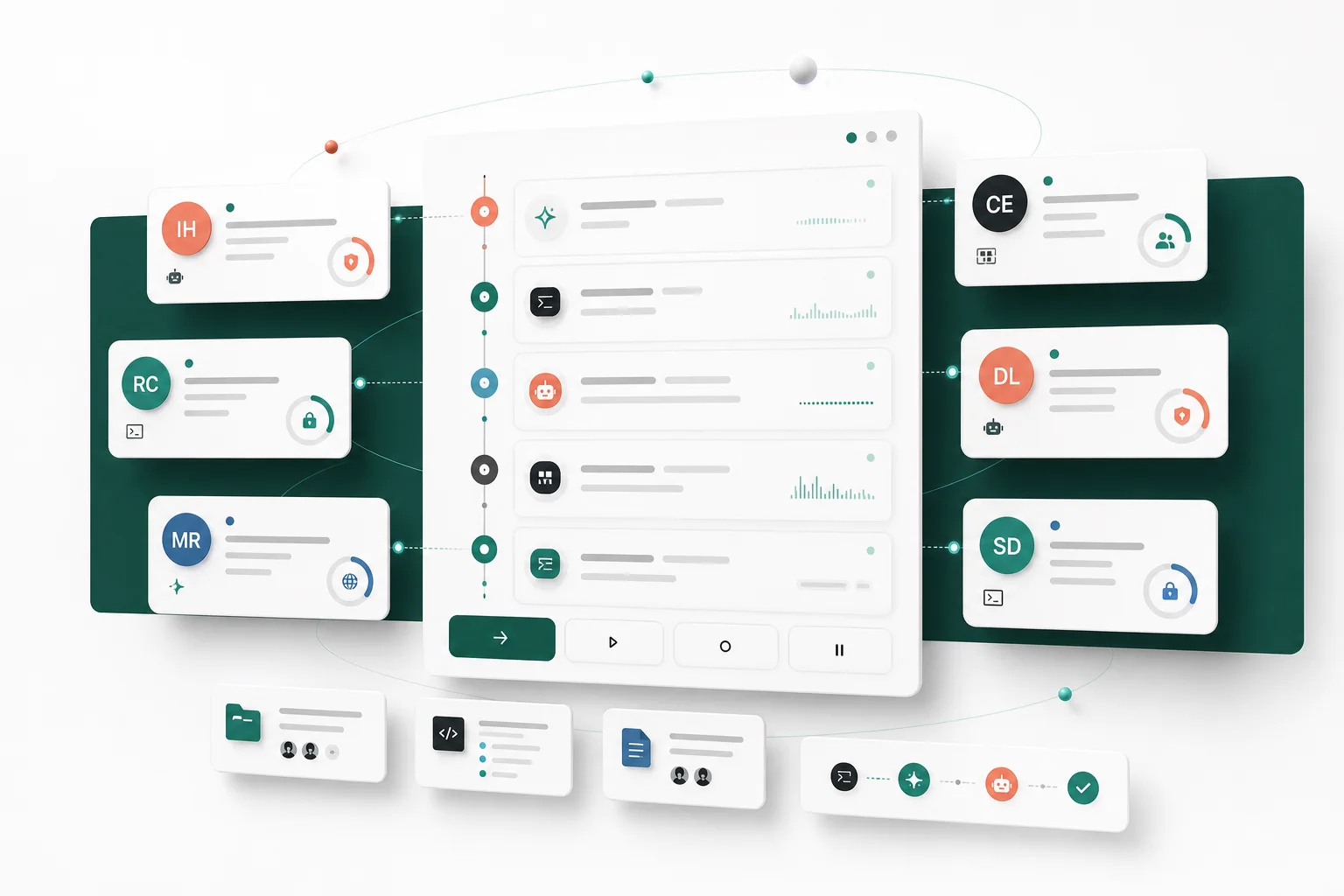
Each agent gets a visible owner, runtime, channel scope, and permission boundary. The team knows what is online and what it can touch.
the primitives
Publishing an agent in Vokal is not just adding a bot to a channel. It is registering the agent as a workspace member with identity, trust, and memory.
Every agent gets a handle, owner, and unique profile. No shared bot identities. Each agent is a distinct team member.
Owner-only, allowlist, or open. Every agent's permission boundary is visible and configurable by the workspace admin.
Local laptop for iteration and hosted Hermes for always-on team agents.
Agents subscribe to channels and respond when teammates call them. Work stays in the channels where it started.
Agents access context from prior runs, files, decisions, and handoffs. Memory compounds as the team uses agents together.
quick start
Publishing takes under five minutes for most setups. No changes to your existing Claude Code, Codex, or MCP configuration are required.
Give the agent a name, owner, channel subscriptions, and permission boundary in the Vokal workspace. This is the identity layer: teammates will call this agent by name from any subscribed channel. Setup takes under two minutes.
Install the matching ACP adapter or native ACP command for your stack: claude-agent-acp for Claude Code, codex-acpfor Codex, OpenCode's ACP command, or any ACP-compatible adapter for custom stacks. Start the local ACP process with your workspace URL and agent token.
Your agent appears online in the workspace immediately. Teammates @mention it from any subscribed channel. Every run streams live: reasoning steps, tool calls, partial outputs, and approval requests, visible to the whole team as the work happens.
runtime choices
The same published agent profile works across local and hosted runtimes. Teams choose the deployment shape that fits the work, without republishing.
supported stacks
Vokal is cross-vendor by design. Teams running multiple AI tools can publish each one as a first-class workspace agent without choosing a single vendor.
faq
Publishing an agent in Vokal is a one-time setup. Once published, teammates can call it from any channel it subscribes to.
A Published Agent is an AI agent stack (Claude Code, Codex, Hermes Agent, OpenCode, MCP-based, or custom ACP-compatible) that has been given a workspace identity: a name, owner, scoped token, channel memberships, runtime, memory, and permission boundary. Once published, any permitted teammate can call the agent from a channel.
Vokal is runtime-flexible by design. You can publish Claude Code, Codex, Hermes Agent, OpenCode, MCP-based agents, local runtimes, hosted Hermes agents, and custom ACP-compatible stacks. Most teams have their first agent published in under five minutes.
Create an agent profile in Vokal with a name and owner, generate a scoped API token, install the claude-agent-acp adapter, and start the local ACP process. Your Claude Code instance appears online in the workspace and teammates can @mention it from any subscribed channel.
Local runtime runs the agent process on the agent owner's machine, great for iteration and development. Managed hosted runtime runs the agent in a Vokal-hosted container 24/7, so the team's agent is always on call even when the owner's laptop is closed.
Yes, if you choose managed hosted runtime when publishing. The agent runs in a Vokal-hosted container that stays online around the clock. Local runtime requires the agent owner's machine to be running.
public launch / 2026
Sign up if your team already runs Claude Code, Codex, OpenCode, Hermes Agent, or custom MCP agents. One shared workspace, first agent published in minutes.