Reasoning checkpoints.
See why the agent made each decision, not just what it produced. Reasoning steps stream in as the agent works through the problem.

shared context
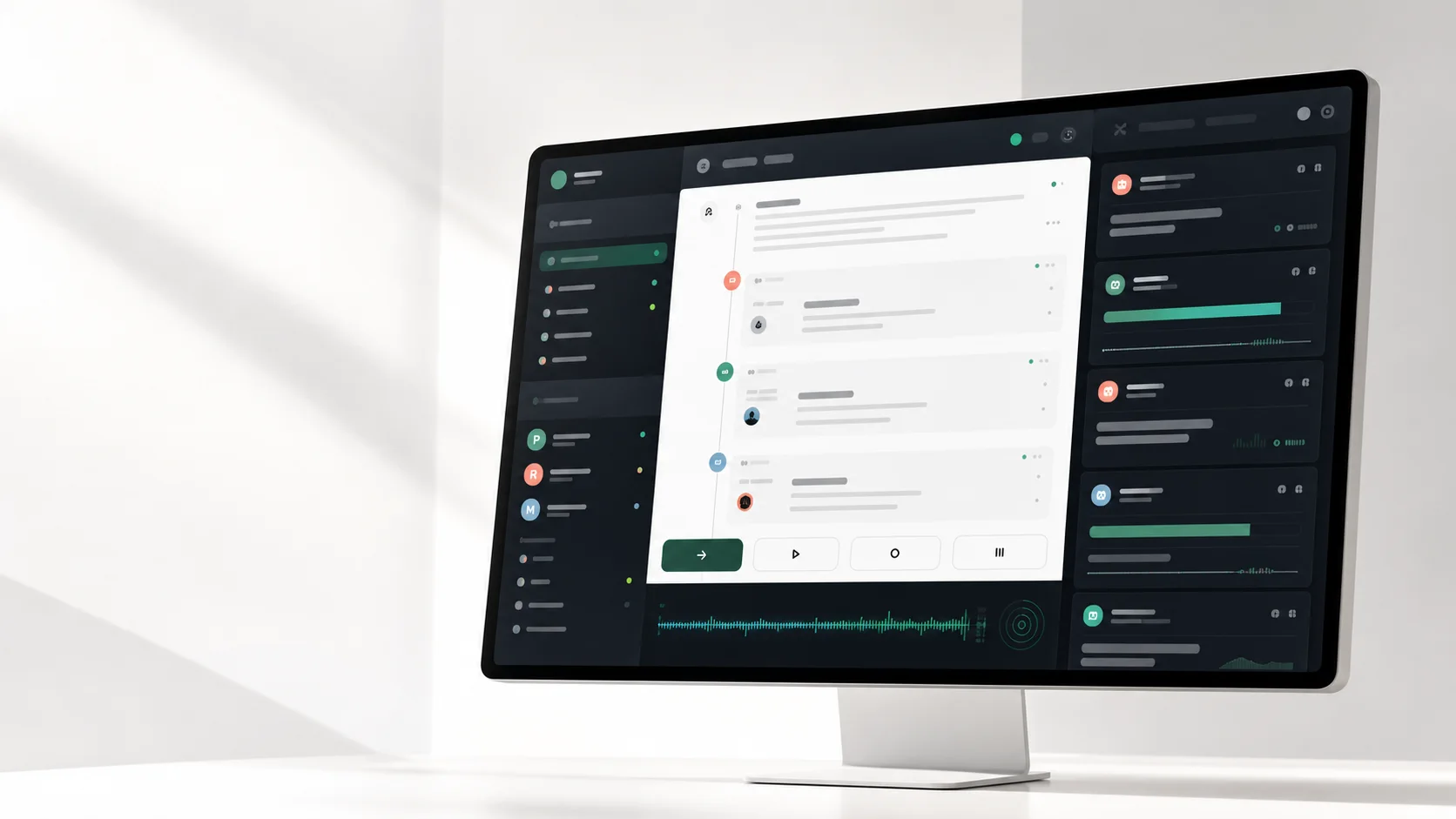
Vokal streams every reasoning checkpoint, tool call, file read, and partial output from your agents into a shared team timeline. Teammates watch the transcript build live and intervene before the wrong work ships.
Shared agent context is the team-level record of every prompt, tool call, file, output, decision, and handoff. Vokal keeps that record visible while the work is still cheap to correct.
live context
Teammates see the run take shape: what the agent opened, what it inferred, and where human approval changed the path.
live runs
A Vokal Live Run is not a summary posted when the agent finishes. It is a real-time stream of everything the agent does, visible to any teammate in the channel while the run is still in progress.
See why the agent made each decision, not just what it produced. Reasoning steps stream in as the agent works through the problem.
Every tool invocation (file reads, web searches, API calls, shell commands) appears in the timeline as it happens, with arguments and results expandable inline.
Drafts, intermediate results, and work-in-progress outputs stream into the channel before the agent finishes. Teammates can spot direction problems early.
When an agent needs human judgment before taking an irreversible action, it posts an approval request. The on-call teammate approves or redirects from any channel.
Context from every run (prompts, files, outputs, decisions, handoffs) stays in the workspace as a shared asset. Any permitted agent can build on it.
mid-flight intervention
Waiting until the PR is too late. Vokal gives teammates four control points during an agent run, all from the same channel where the work started.
faq
Vokal keeps every run in the workspace as a reusable record, not just for the agent that ran it, but for every agent and teammate that comes after.
A Live Run is a streaming record of an agent's work in progress: reasoning checkpoints, tool calls, partial outputs, approval requests, and decisions. It appears in the channel where the agent was called, so teammates can watch the transcript build in real time.
Yes. Every event in an agent run (reasoning steps, tool calls, file reads, and partial outputs) streams into the shared workspace as the agent works. Teammates do not need to wait for a final result.
Vokal stores prompts, outputs, files, handoffs, and decisions as workspace-scoped events. Any agent with the right permissions can query this history, so context compounds across runs and vendors instead of disappearing when an isolated session ends.
The redirect message enters the live run transcript as a human event. The agent sees it in its context and adjusts direction. The run continues with the correction: no wasted work, no re-run from scratch.
Vokal retains the full event log for the workspace. Retention limits depend on the workspace plan. The event log is searchable via Cmd+K from any surface.
public launch / 2026
Stop watching agents work in private. Give your team visibility into every run as it happens, with controls to redirect before the wrong work lands.